> ## Documentation Index
> Fetch the complete documentation index at: https://developers.deepl.com/llms.txt
> Use this file to discover all available pages before exploring further.
# API Usage Logger
> Learn how to capture per-request DeepL API usage data and visualize it in a local dashboard.
DeepL API Usage Logger on GitHub
This open-source reference project shows how to capture per-request usage data for the DeepL API (billed characters, language pairs, reporting tags, API key identifiers, and errors) and explore it through a local Streamlit dashboard. It wraps the [DeepL Python client](/docs/getting-started/client-libraries) so every text and document translation request is logged to a local DuckDB file as it happens, alongside any errors returned by the API.
The project is intended for teams that need usage reporting with request-level granularity. If you instead want to retrieve subscription-level or API key-level data via a single API call, see the [Usage Analytics Dashboard](/docs/learning-how-tos/cookbook/usage-analytics-dashboard) cookbook, which uses the [Admin API](/api-reference/admin-api/organization-usage-analytics).
## Features
* **Per-request logging** for both text and document translation, with the source language, target language, billed characters, and a request ID stored for every call
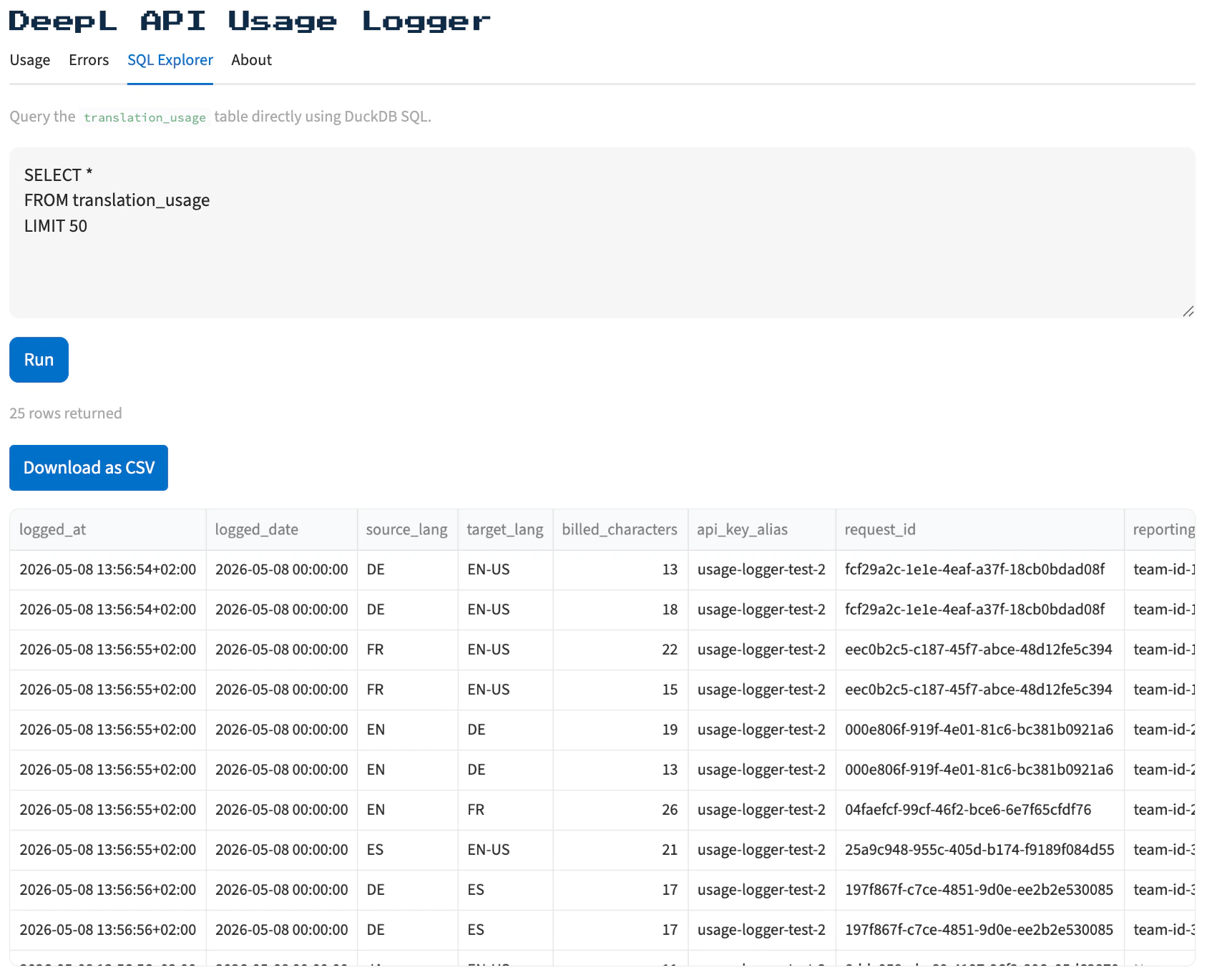
* **Text translation requests with multiple texts** produce one row per text, all sharing the same `request_id`, so the language and character breakdown of each text within a multi-text request stays visible
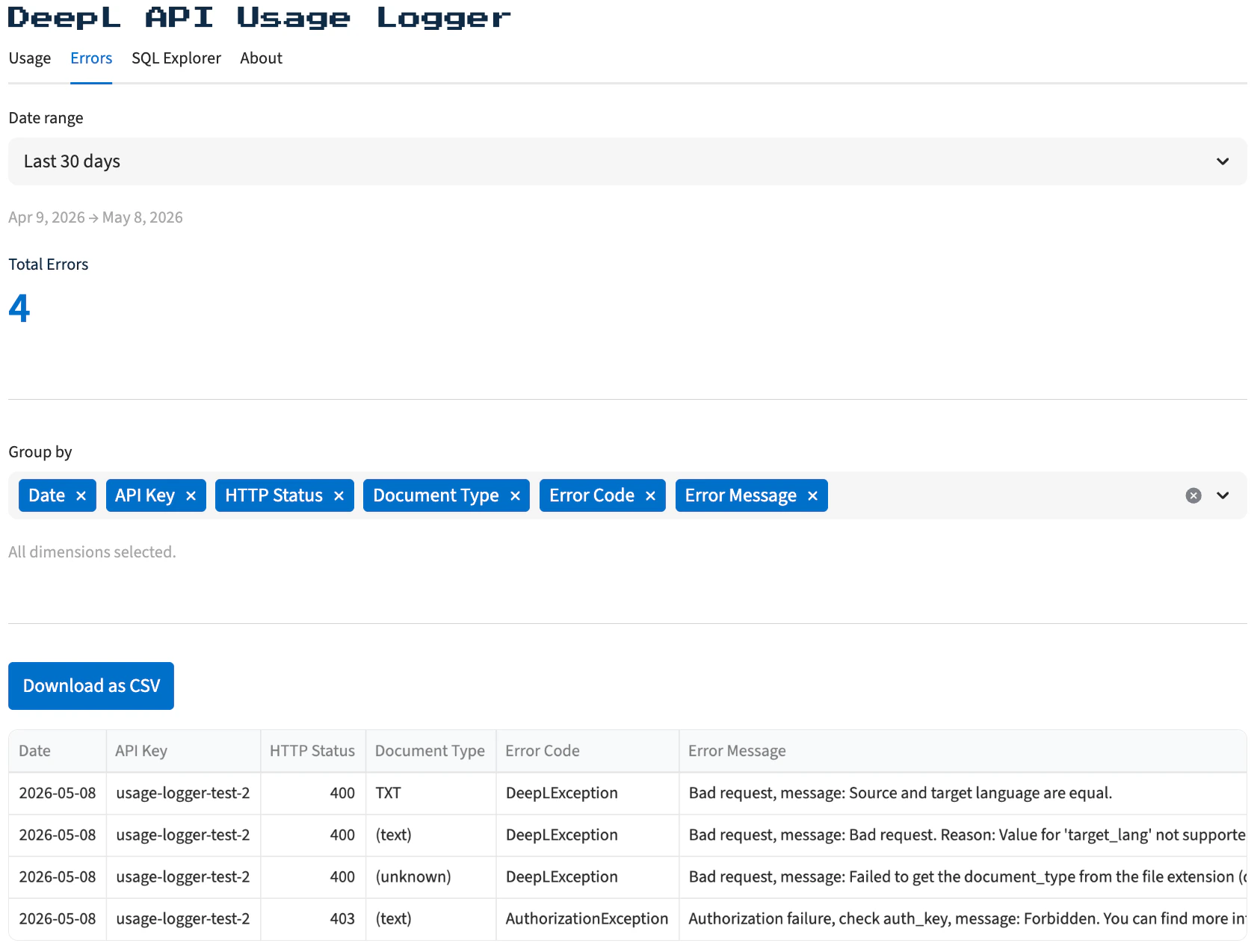
* **Error capture alongside successes**, including the error code, HTTP status, and message, so reliability and usage live in the same dataset
* **Reporting tag and API key alias support**, letting you group usage by team, project, or service
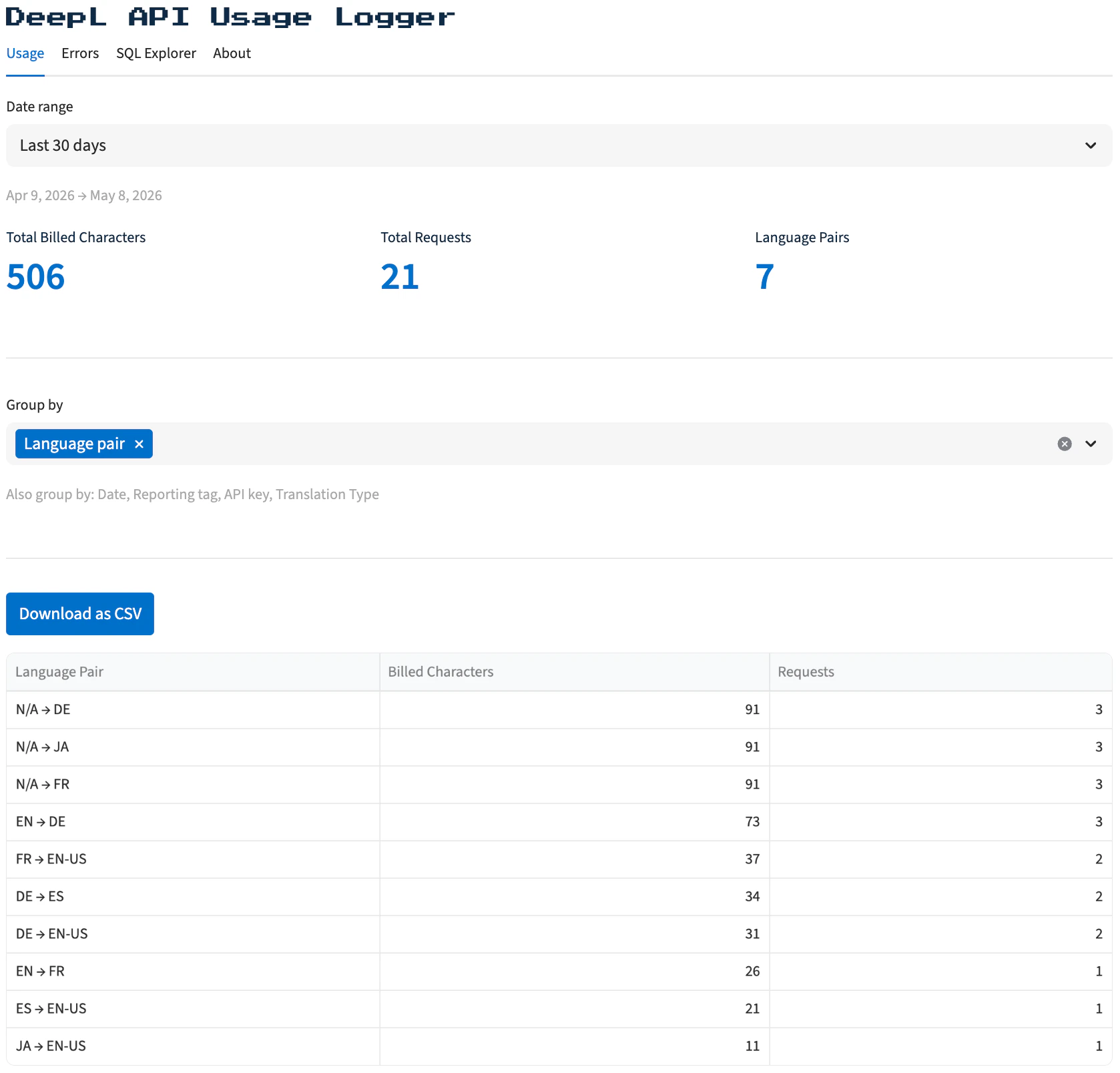
* **Streamlit dashboard** with three views: a Usage summary table, an Error summary table, and a SQL Explorer for arbitrary DuckDB queries against the underlying table
* **CSV export** from every dashboard view
* **Non-blocking writes** that queue log entries on a background thread, so logging never adds latency to translation calls
* **Local stack** of Python, DuckDB, and Streamlit, with no external services required
## Screenshots